

27 Sep SSD (NVMe) vs. HDD: What’s the Difference?
SSD (NVMe)
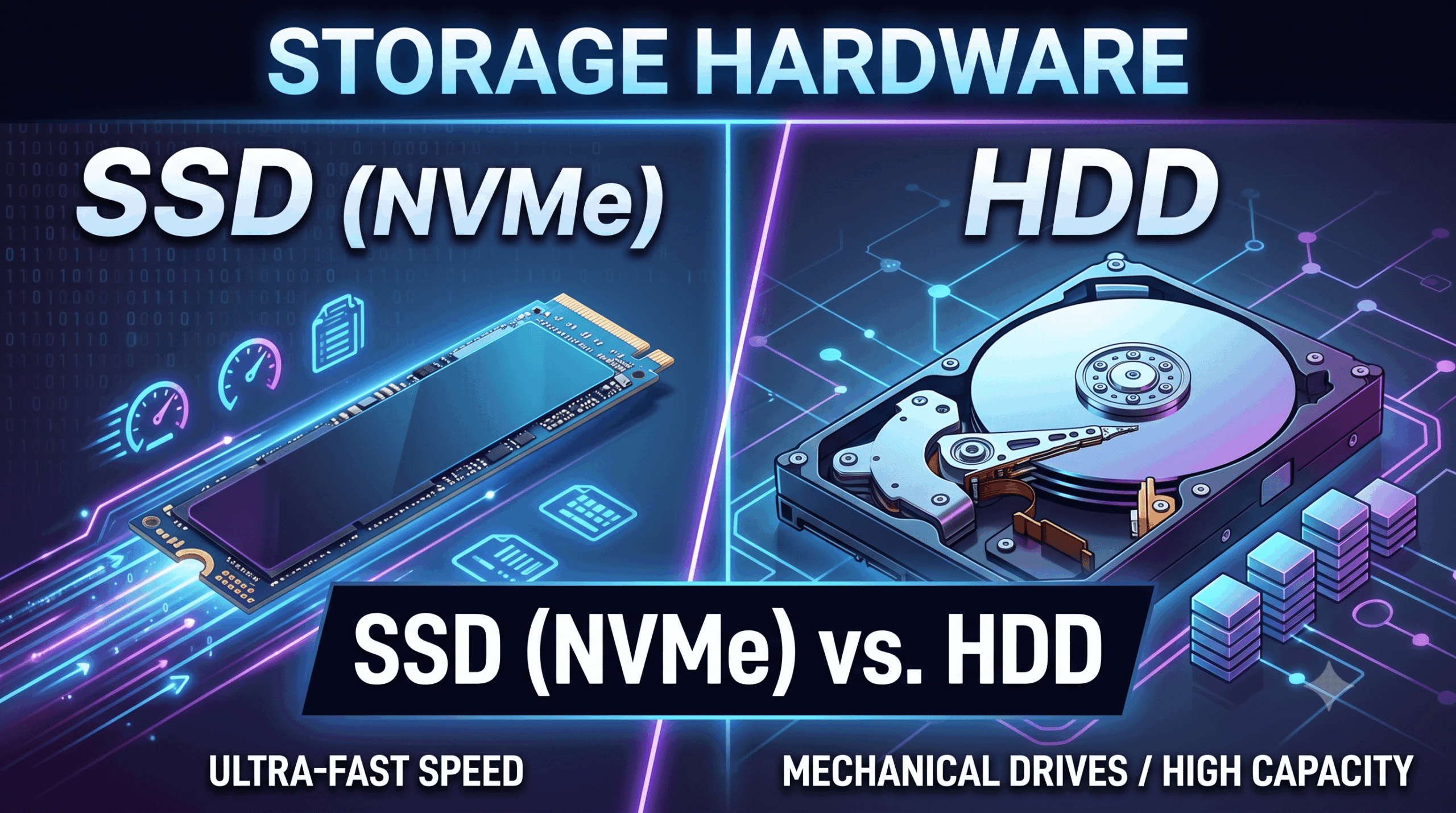
An NVMe SSD (Non-Volatile Memory Express Solid-State Drive) is a high-speed flash storage device connected directly through a computer’s high-speed PCIe interface. Operating without moving mechanical parts, it offers fast read/write speeds, reduced access latency, and strong durability against physical shocks. NVMe SSDs serve as the default storage standard for modern operating systems, high-performance workstations, and enterprise database servers.
- Focus: Non-volatile, high-performance solid-state storage that uses NAND flash memory and communicates directly over the high-speed PCI Express (PCIe) bus via the NVMe (Non-Volatile Memory Express) protocol.
- Difference from HDD: NVMe SSDs contain no moving mechanical parts, resulting in near-instant access times (0.02–0.05 ms latency) and sequential throughput ranging from 3,500 MB/s to over 14,000 MB/s. By comparison, HDDs rely on spinning magnetic platters and mechanical actuator arms that introduce severe rotational and seek latencies (5–15 ms) and top out around 100–250 MB/s. Additionally, NVMe SSDs are completely silent, draw significantly less power, and are highly shock-resistant, whereas HDDs are susceptible to physical damage from drops or vibration.
HDD (Hard Disk Drive)
A Hard Disk Drive (HDD) is a traditional data storage device that reads and writes binary data onto spinning magnetic platters using moveable physical read/write heads. While it offers lower IOPS and slower data access times compared to solid-state media, it maintains a lower cost per gigabyte of storage. HDDs are primarily used for high-capacity cold data storage, backup archives, and mass enterprise data repositories.
- Focus: Legacy mechanical storage technology that records data magnetically onto rapidly spinning physical platters read by moving magnetic heads.
- Difference from SSD (NVMe): HDDs offer a significantly lower cost per terabyte for high-capacity drives, making them the industry standard for bulk cold storage, backups, and media archives. However, their reliance on mechanical movement makes random read/write operations roughly 100 times slower than NVMe drives, leading to noticeably longer system boot times, app launch delays, and lower IOPS (Input/Output Operations Per Second).
Frequently Asked Questions (FAQs)
Q1: What is the difference between a SATA SSD and an NVMe SSD? Both use NAND flash memory, but they use different transfer interfaces. A SATA SSD connects through legacy SATA cables capped at around 550 MB/s. An NVMe SSD connects directly to PCIe lanes, bypassing SATA bottlenecks to achieve speeds 5x to 25x faster (3,500–14,000+ MB/s).
Q2: Should I defragment an NVMe SSD to improve performance? No, you should never defragment an SSD. Defragmentation was designed for HDDs to group fragmented files on physical spinning platters. Because SSDs have instant random access times across memory chips, defragmentation offers no speed benefit and prematurely wears out flash memory through unnecessary write cycles. Modern operating systems automatically run optimization commands (like TRIM) instead.
Q3: Can I combine an NVMe SSD and an HDD in the same computer? Yes, a hybrid setup is widely recommended for cost efficiency. A smaller NVMe SSD (e.g., 512 GB or 1 TB) serves as the main boot drive for the operating system, applications, and active games, while a larger HDD (e.g., 4 TB+) serves as secondary storage for archives, backups, and bulk media files.
If you liked the tutorial, spread the word and share the link and our website, Studyopedia, with others.
For Videos, Join Our YouTube Channel: Join Now
Read More:

No Comments