

27 Sep Native (Swift/Kotlin) vs. Cross-Platform (Flutter/React Native): What’s the Difference?
Native Development (Swift / Kotlin)
Swift is Apple’s fast, modern programming language engineered for crafting applications across iOS, macOS, watchOS, and tvOS. Designed as a safe alternative to Objective-C, it includes static typing, ARC memory management, and clean syntax constructs. Swift pairs natively with SwiftUI to help developers build responsive user experiences.
Kotlin is a concise, modern language developed by JetBrains and designated by Google as the preferred language for native Android development. It offers full interoperability with legacy Java codebases while eliminating common runtime errors like null pointer exceptions. Its expressive features like coroutines streamline asynchronous mobile background tasks.
- Focus: Building dedicated mobile applications specifically for a single operating system—iOS using Swift (in Xcode) and Android using Kotlin (in Android Studio)—with direct access to the device’s underlying hardware and platform APIs.
- Difference from Cross-Platform: Native development requires writing and maintaining two completely separate codebases with different platform-specific languages and tools. In return, it delivers maximum performance, immediate day-one support for new OS features, and direct, unabstracted access to native UI components and device sensors without third-party reliance.
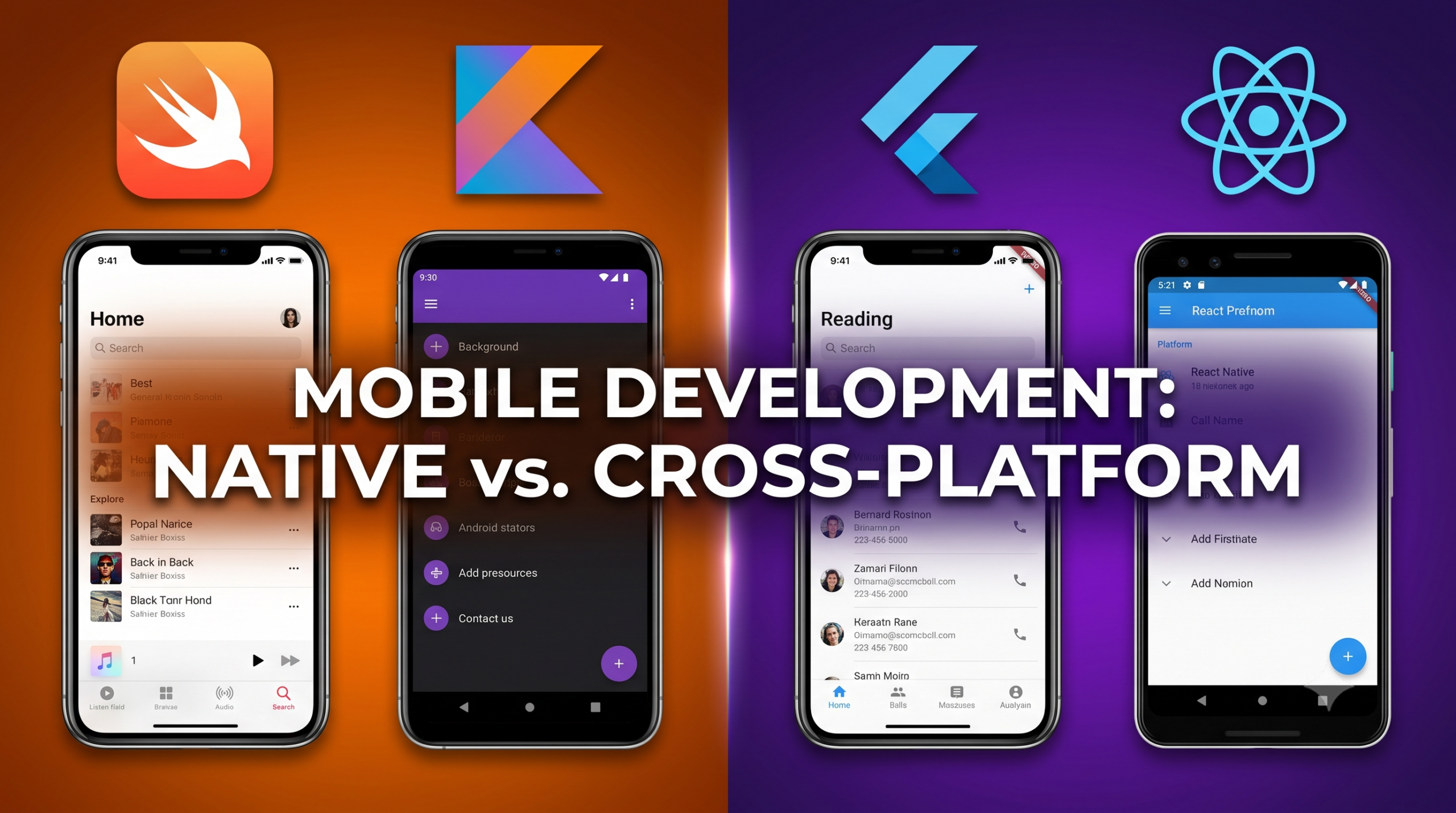
Cross-Platform Development (Flutter / React Native)
Flutter is Google’s open-source UI toolkit used to compile natively rendered applications across mobile, desktop, and web environments from a single Dart codebase. It bypasses native platform widgets, relying on its custom rendering engine to draw every pixel manually. This approach guarantees visual consistency and high-performance UI across multiple operating platforms.
React Native is an open-source framework created by Meta that allows software developers to construct mobile apps using JavaScript and React. Instead of rendering web views, it maps web components directly to native iOS and Android UI elements. This approach enables engineering teams to share code across platforms while maintaining a native user experience.
- Focus: Writing a single, unified codebase—using Dart for Flutter or JavaScript/TypeScript for React Native—that compiles or renders to operate seamlessly across both iOS and Android platforms simultaneously.
- Difference from Native: Cross-Platform development drastically reduces time-to-market, initial development costs, and engineering team size by sharing up to 80–90% of business logic across platforms. However, it relies on bridge layers or custom graphics engines to communicate with device hardware, which can introduce performance overhead for complex animations and delay integration of newly released OS features.
Frequently Asked Questions (FAQs)
Q1: How do Flutter and React Native differ in rendering user interfaces? React Native acts as a bridge that maps JavaScript components directly to native iOS and Android UI controls, resulting in an authentic native look and feel. Flutter, by contrast, bypasses native UI widgets entirely; it uses Google’s Skia/Impeller graphics engine to draw every pixel on a canvas, ensuring absolute visual consistency across every operating system and device.
Q2: Should early-stage startups choose Native or Cross-Platform development? Cross-Platform is generally the preferred choice for startups because it allows them to launch a minimum viable product (MVP) on both major mobile platforms simultaneously using a single team and a lower budget. Once a product matures or if it relies heavily on low-level hardware performance, parts or all of the application can be rewritten in Native.
Q3: When is Native development strictly necessary over Cross-Platform? Native development is recommended for applications that demand high computational power or hardware access—such as 3D mobile games, real-time audio/video processing apps, complex augmented reality (AR) experiences, or background-intensive applications relying heavily on Bluetooth and IoT sensors.
If you liked the tutorial, spread the word and share the link and our website, Studyopedia, with others.
For Videos, Join Our YouTube Channel: Join Now
Read More:

No Comments