

23 Feb JavaScript Type Conversion
Type casting in JavaScript is to convert one type to another.
- Implicit Conversion: Automatic
- Explicit Conversion: Manual, using built-in functions
Implicit Conversion
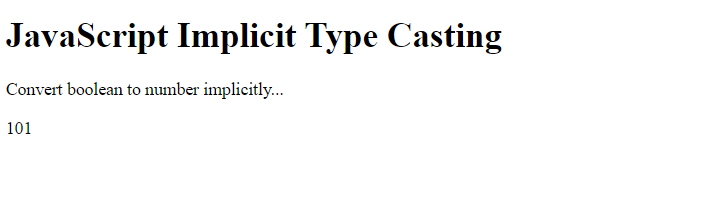
The compiler automatically converts one type to another. This is called Implicit Type Casting. Let us see how this works and converts boolean to number implicitly.
Let us see an example that converts boolean to number implicitly i.e., automatically:
<!DOCTYPE html>
<html>
<body>

<h1>JavaScript Implicit Type Casting</h1>
<p>Convert boolean to number implicitly...</p>

<p id="test"></p>

<script>
// true is 1 and false is 0
n = 100 + true;

document.getElementById("test").innerHTML = n;
</script>

</body>
</html>
Output
Explicit Conversion
When the compiler will not be able to convert the type, the developer will do it on its own using some built-in methods. This is called Explicit Type Casting.
Let us now see how to explicitly:
- Convert a boolean to a number
- Convert number to string
- Convert a boolean to a string
- Convert a number to a boolean
- Convert string to number
- Convert string to float
Convert a boolean to a number
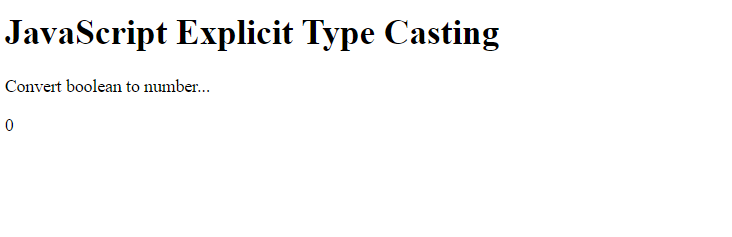
The Number() method is used to convert a Boolean to a number in JavaScript. Let us see an example:
<!DOCTYPE html>
<html>
<body>

<h1>JavaScript Explicit Type Casting</h1>
<p>Convert boolean to number...</p>

<p id="test"></p>

<script>
let n;

// false is 0 and true is 1
n = Number(false);
document.getElementById(“test”).innerHTML = n;
</script>
</body>
</html>
Output
Convert number to string
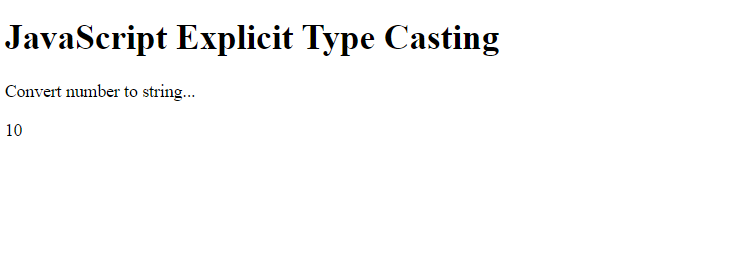
The String() is used to convert number to string in JavaScript. Let us see an example:
<!DOCTYPE html>
<html>
<body>

<h1>JavaScript Explicit Type Casting</h1>
<p>Convert number to string...</p>

<p id="test"></p>

<script>
let str;

str = String(10);

document.getElementById("test").innerHTML = str;
</script>

</body>
</html>
Output
Convert boolean to string
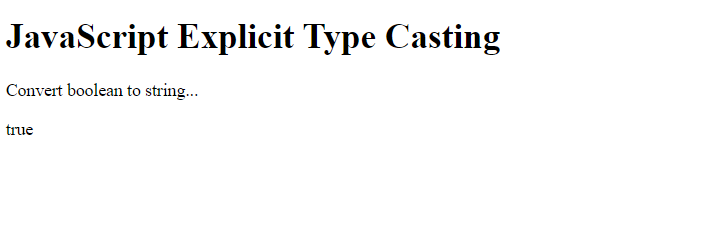
The String() is used to convert boolean to string in JavaScript. Let us see an example:
<!DOCTYPE html>
<html>
<body>

<h1>JavaScript Explicit Type Casting</h1>
<p>Convert boolean to string...</p>

<p id="test"></p>

<script>
let str;

// false is 0 and true is 1
str = String(true);

document.getElementById("test").innerHTML = str;
</script>

</body>
</html>
Output
Convert number to boolean
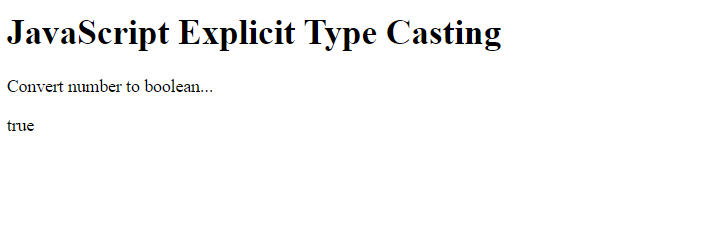
The Boolean() is used to convert number to boolean in JavaScript. Let us see an example:
<!DOCTYPE html>
<html>
<body>

<h1>JavaScript Explicit Type Casting</h1>
<p>Convert number to boolean...</p>

<p id="test"></p>

<script>
let b;

b = Boolean(25);

document.getElementById("test").innerHTML = b;
</script>

</body>
</html>
Output
Convert string to number using parseInt()
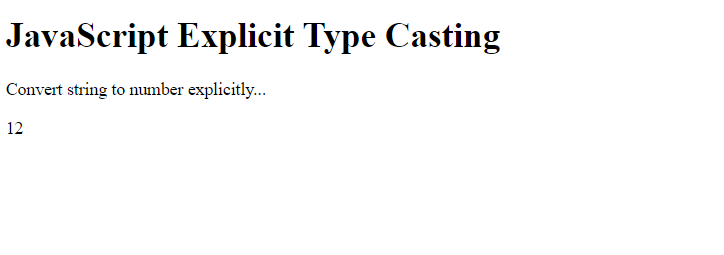
The parseInt() method parses a string and returns a number in JavaScript. Let us see an example:
<!DOCTYPE html>
<html>
<body>

<h1>JavaScript Explicit Type Casting</h1>
<p>Convert string to number explicitly...</p>

<p id="test"></p>

<script>
let n;

// String to number using parseInt()
n = parseInt('12.75');

document.getElementById("test").innerHTML = n;
</script>

</body>
</html>
Output
Convert string to float using parseFloat()
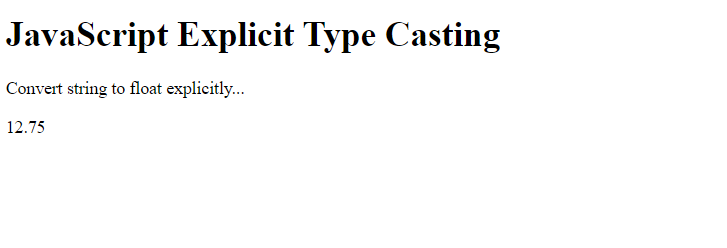
The parseFloat() method parses a string and returns a float in JavaScript. Let us see an example:
<!DOCTYPE html>
<html>
<body>

<h1>JavaScript Explicit Type Casting</h1>
<p>Convert string to float explicitly...</p>

<p id="test"></p>

<script>
let n;

// String to float using parseFloat()
n = parseFloat('12.75');

document.getElementById("test").innerHTML = n;
</script>

</body>
</html>
Output
Display the type
The typeof operator evaluates the data type of a value or variable. Let us see an example:
<!-- Type Coversion in JavaScript -->
<!-- Implicit Conversion (Automatic) -->
  <!DOCTYPE html>
<html>
<head>

</head>
<body>
<h2>Displaying the type on console</h2>
<p>Press F12 and select the Console tab</p>
<p id = "demo"></p>
<script>
let n1 = 100;
console.log(typeof n1)

// Float is a part of the number type
let n2 = 54.70;
console.log(typeof n2)

let n3 = true;
console.log(typeof n3)

let n4 = "Amit";
console.log(typeof n4)

</script>
</body>
</html>
Output
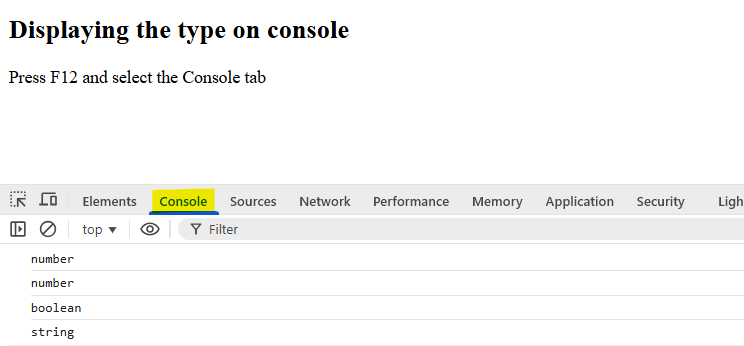
As in the above output, a float value is also a Number type in JavaScript. In JavaScript, there is no separate “float” data type. All numbers, whether they are whole integers or decimals, belong to the single Number data type.

No Comments