

03 May Create a resume and cover letter with Copilot
In this lesson, learn how to create your resume, cover letter, etc. with Microsoft Copilot.
Prompt to create a resume
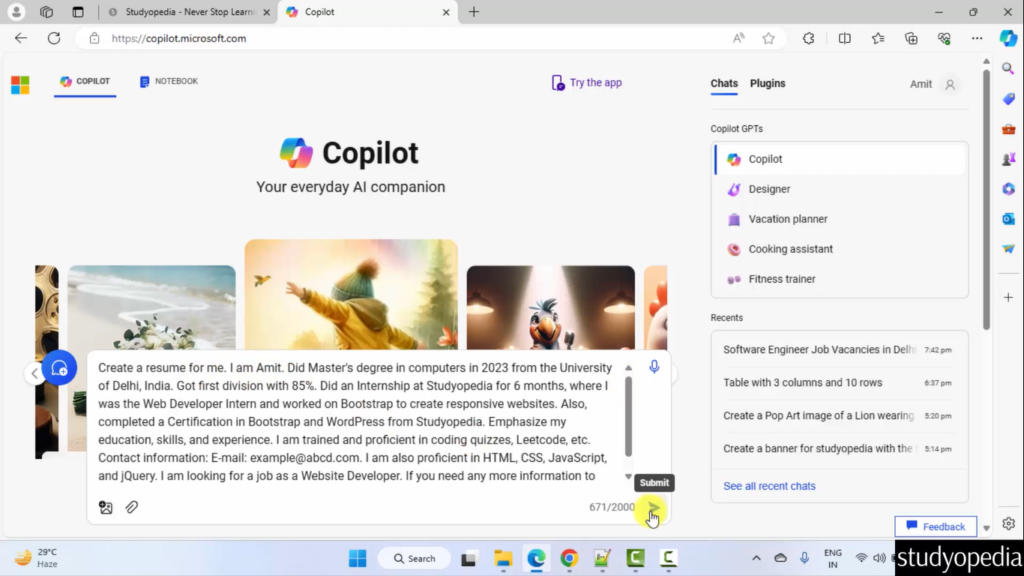
Type the following prompt to create a resume:
Create a resume for me. I am Amit. Did Master's degree in computers in 2023 from the University of Delhi, India. Got first division with 85%. Did an Internship at Studyopedia for 6 months, where I was the Web Developer Intern and worked on Bootstrap to create responsive websites. Also, completed a Certification in Bootstrap and WordPress from Studyopedia. Emphasize my education, skills, and experience. I am trained and proficient in coding quizzes, Leetcode, etc. Contact information: E-mail: example@abcd.com. I am also proficient in HTML, CSS, JavaScript, and jQuery. I am looking for a job as a Website Developer. If you need any more information to continue, ask.
Click the button to submit and get the answer in real time. Here is the screenshot:
If you liked the tutorial, spread the word and share the link and our website Studyopedia with others.
For Videos, Join Our YouTube Channel: Join Now
Read More:

No Comments