

19 Feb jQuery focus() method
Definition
If you want to trigger an event when an input field gets focus or a mouse is clicked, then use the jQuery focus() method.
Syntax
The following is the syntax,
$(selector).focus(func)
The following is the parameter used in the jQuery focus() method,
- func: When event occur, this function runs. It is an optional parameter.
Example
<!DOCTYPE html>
<html>
<head>
<script src="https://ajax.googleapis.com/ajax/libs/jquery/3.3.1/jquery.min.js"></script>
<script>
$(document).ready(function(){
   $("input").focus(function(){
      $("span").css("display", "inline").fadeOut(1000);
   });
});
</script>
<style>
span {
  display: none;
}
</style>
</head>
<body>
<p>Enter subject details below,</p>

<p><input type="number">
   <span>Enter subject id</span>
</p>
<p><input type="text">
   <span>Enter subject name</span>
</p>
<p><input type="text">
   <span>Enter student name</span>
</p>

</body>
</html>
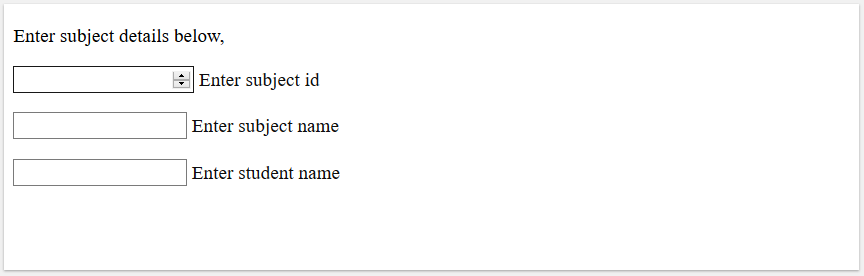
The following is the output,
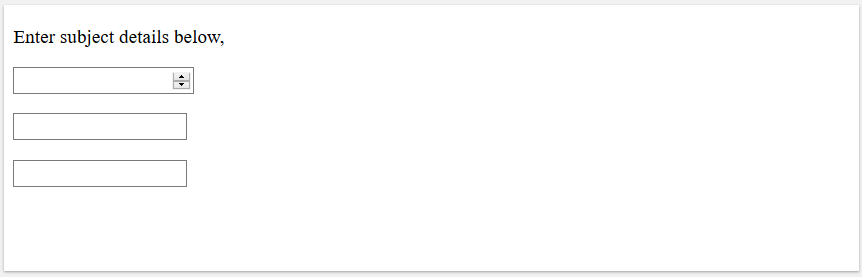
Click inside the input field to trigger the event,
Example 2
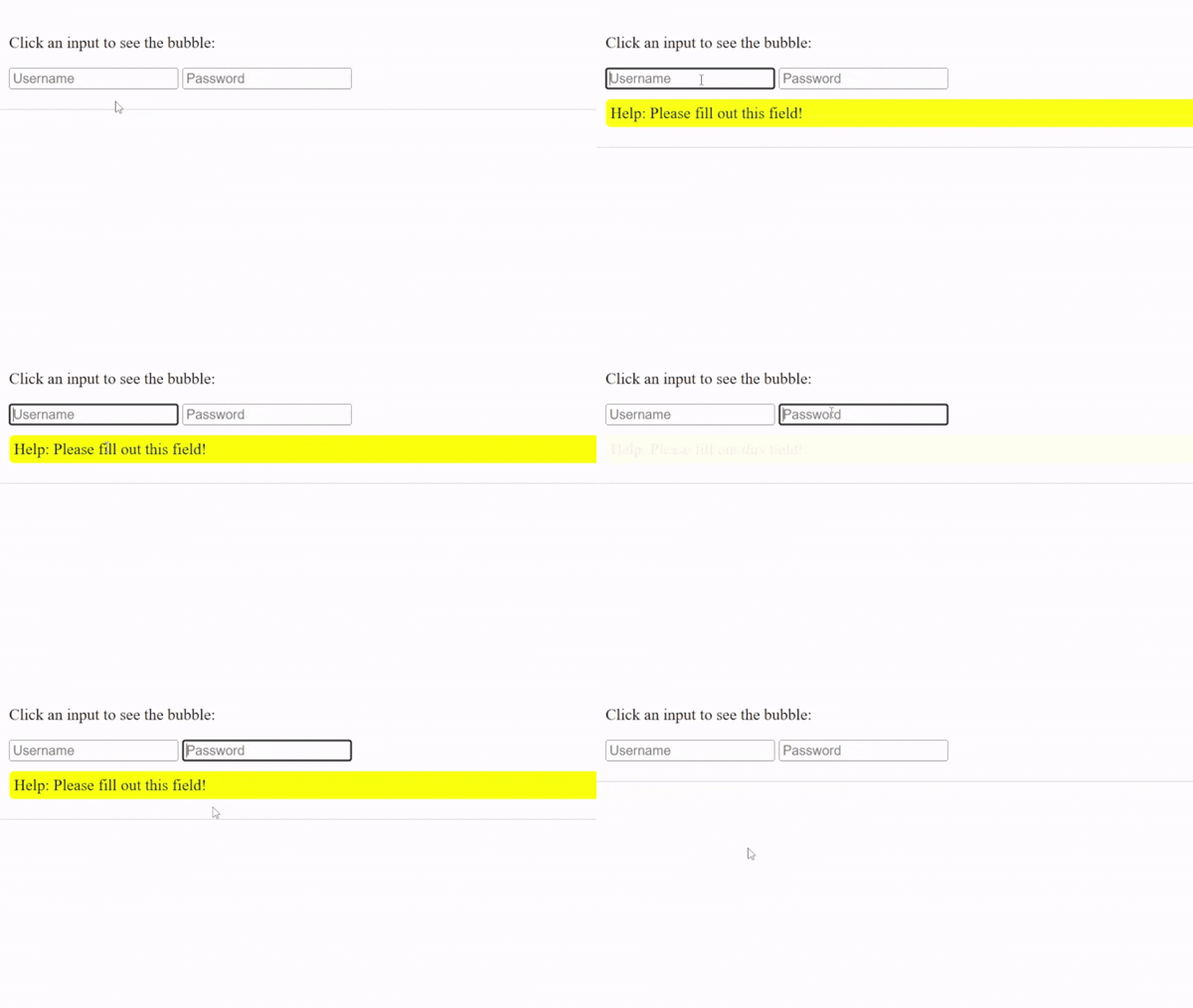
The focus() and focusin() are often confused. Let us see an example to understand that focus() triggers only on the specific element that receives focus. It does not bubble:
<!-- focus -->
<!-- focus: Triggers only on the specific element that receives focus. It does not bubble.-->
<!-- To achieve the same effect with .focus(), you cannot target the #container because focus does not bubble up. You must target the input elements directly. -->
<!DOCTYPE html>
<html>
<head>
<script src="https://code.jquery.com/jquery-4.0.0.min.js"></script>
<script>
$(document).ready(function(){

  // TARGET THE INPUTS DIRECTLY: .focus() does not work on the #container
  $('#container input').focus(function() {
    $('#mydiv').fadeIn();
  });

  // TARGET THE INPUTS DIRECTLY: Use .blur() instead of .focusout()
  $('#container input').blur(function() {
    $('#mydiv').fadeOut();
  });

});
</script>
</head>
<body>

<div id="container" style="padding: 20px; border: 1px solid #ccc;">
  <p>Click an input to see the bubble:</p>
  <input type="text" placeholder="Username">
  <input type="password" placeholder="Password">
  <div id="mydiv" style="display:none; background: yellow; padding: 5px; border-radius: 5px; margin-top: 10px;">
    Help: Please fill out this field!
  </div>
</div>

</body>
</html>
Output

No Comments