

27 Jan JQuery – Remove CSS Class
To remove a class from the selected element, use the removeClass() method in jQuery. We can:
- Remove a single class
- Remove multiple classes
- Remove a single class from different elements
- Remove multiple classes from different elements
Before moving further, we’ve prepared a video tutorial to remove a class from the selected element using jQuery:
Let us now see the examples one by one:
Remove a single class
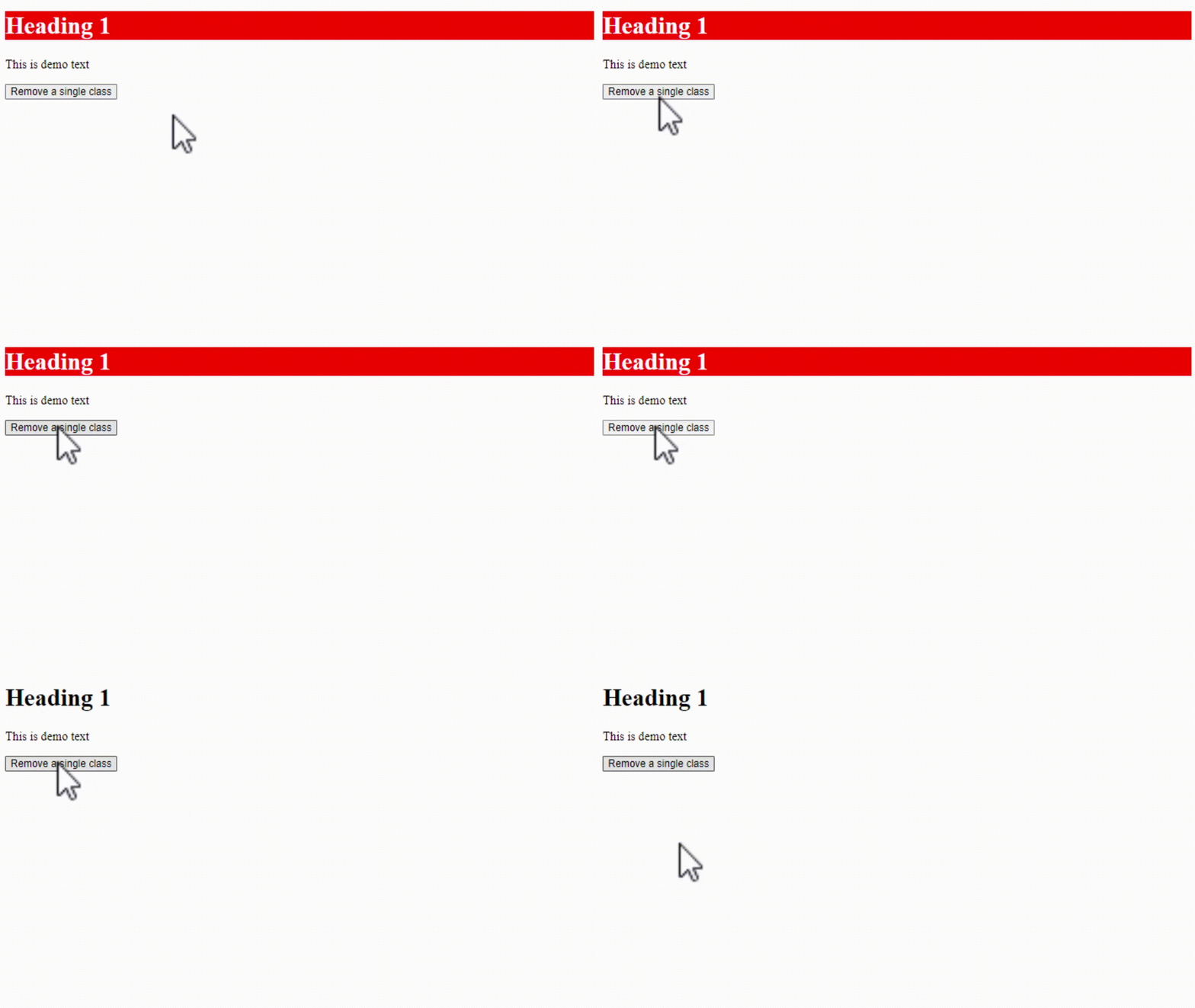
To remove a single class on a web page, use the removeClass() method in jQuery. In the example below, we will remove a single class demo here:
<!DOCTYPE html>
<html>
<head>
<script src="https://ajax.googleapis.com/ajax/libs/jquery/3.6.1/jquery.min.js"></script>
<script>
$(document).ready(function(){
  $("button").click(function(){
    $("h1").removeClass("demo");
  });
});
</script>
<style>
.demo {
  background: red;
  color: white;
}
</style>
</head>
<body>

<h1 class="demo">Heading 1</h1>

<p>This is demo text</p>

<button>Remove a single class</button>

</body>
</html>
Output
Remove multiple classes
To remove multiple classes from a web page, use the removeClass() method in jQuery. In the example below, we will remove two classes, demo and example, here:
<!-- Remove multiple classes from a selected element -->
<!-- removeClass() method -->
 <!DOCTYPE html>
<html>
<head>
<script src="https://code.jquery.com/jquery-4.0.0.min.js"></script>
<script>
$(document).ready(function(){
  $("button").click(function() {
    $("h2").removeClass("demo example");
  });
});

</script>
<style>
.demo {
    background-color: blue;
    color: white;
}
.example {
  text-decoration: underline;
}
</style>
</head>
<body>
<h1>Demo Heading1 </h1>
<p>This is a demo text.</p>
<h2 class="example">Demo Heading 2</h2>
<p>This is a demo text.</p>
<h2 class="demo">Demo Heading 2</h2>
<p>This is a demo text.</p>
<button>Remove multiple classes from a selected element</button>

</body>
</html>
Output
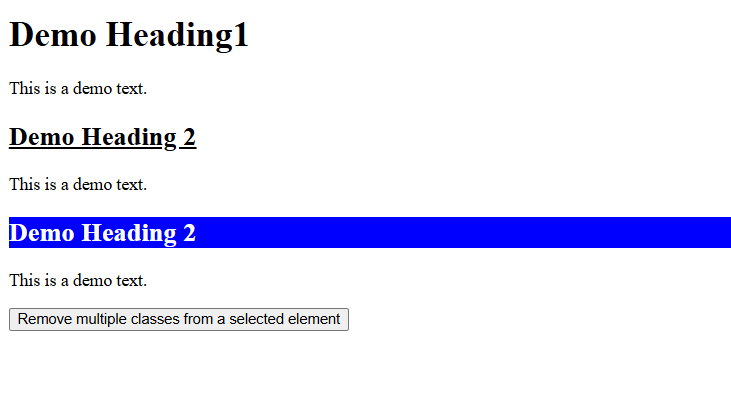
When the page loads, the following is visible:
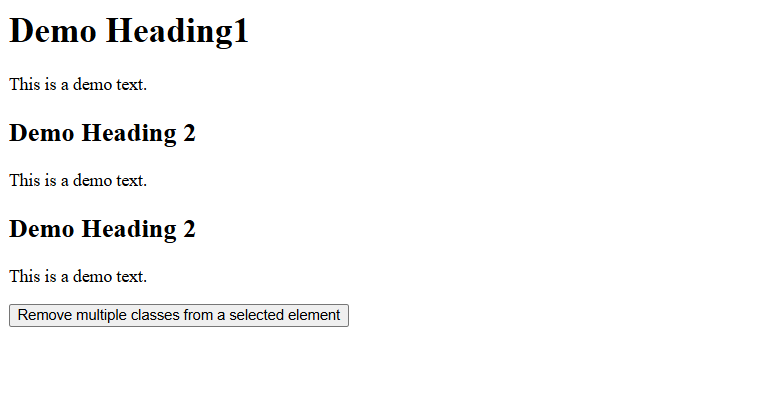
After clicking the button, both the CSS classes are removed:
Remove a single class from different elements
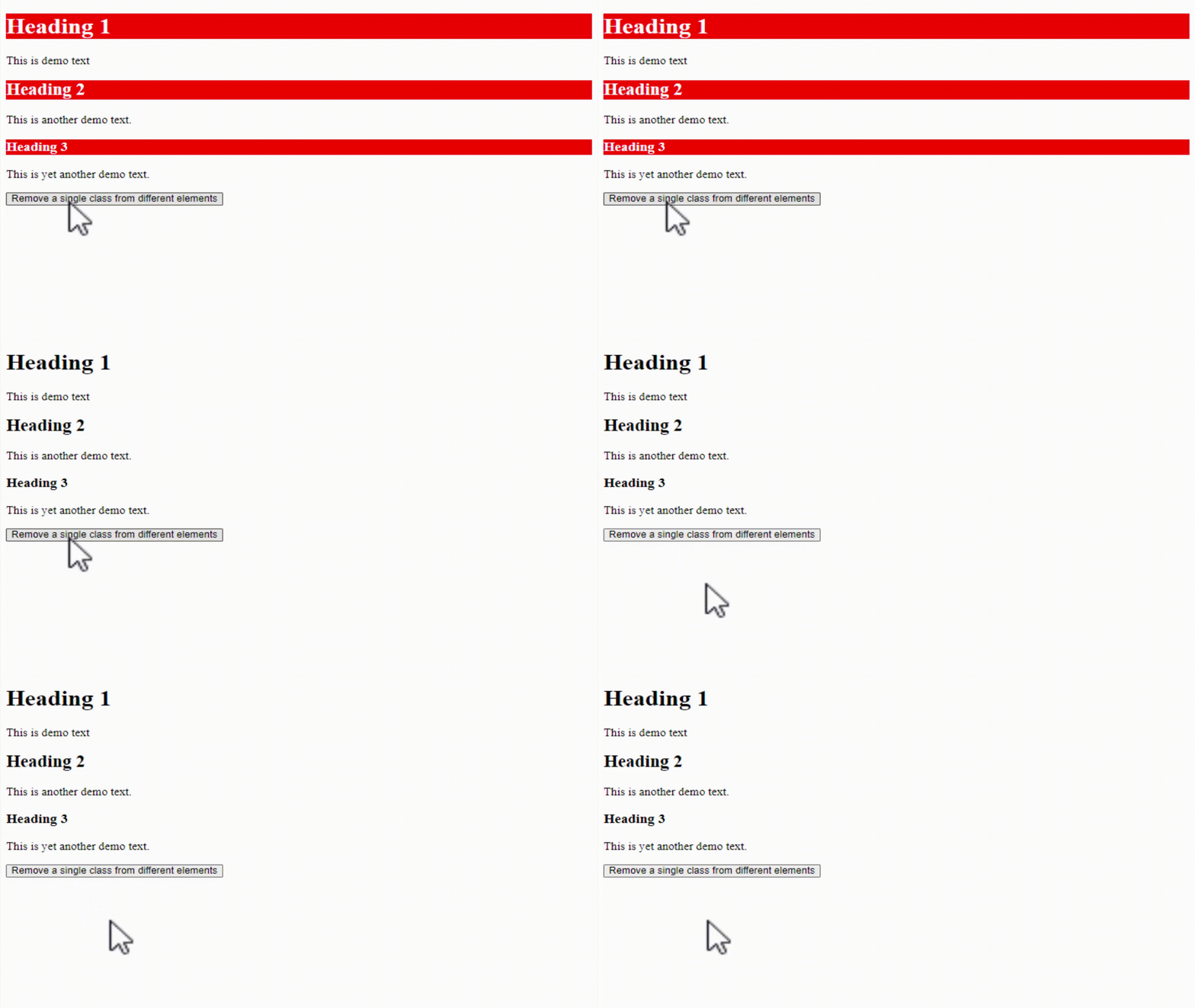
To remove a single class from different elements on a web page, use the removeClass() method in jQuery. We will remove a single class demo here from different elements, such as <h1>, <h2>, <h3>:
<!DOCTYPE html>
<html>
<head>
<script src="https://ajax.googleapis.com/ajax/libs/jquery/3.6.1/jquery.min.js"></script>
<script>
$(document).ready(function(){
  $("button").click(function(){
    $("h1, h2, h3").removeClass("demo");
  });
});
</script>
<style>
.demo {
  background: red;
  color: white;
}
</style>
</head>
<body>

<h1 class="demo">Heading 1</h1>

<p>This is demo text</p>

<h2 class="demo">Heading 2</h2>

<p>This is another demo text.</p>

<h3  class="demo">Heading 3</h3>

<p>This is yet another demo text.</p>

<button>Remove a single class from different elements</button>

</body>
</html>
Output
Remove multiple classes from different elements
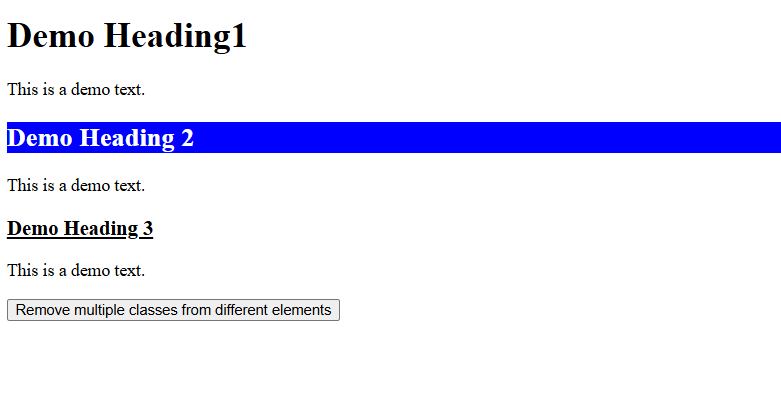
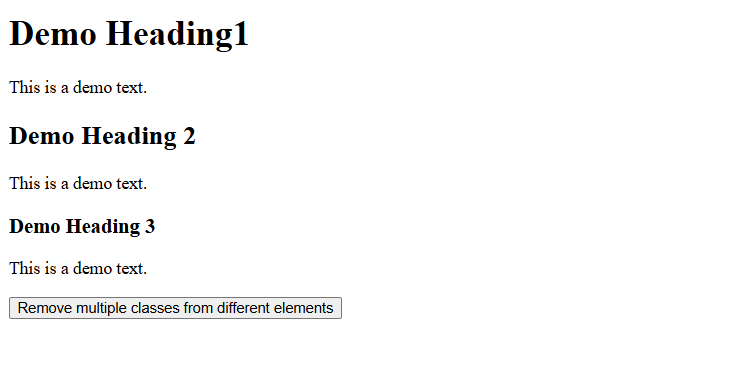
To remove multiple classes from different elements on a web page, use the removeClass() method in jQuery. We will remove multiple classes demo and example here from different elements, such as <h2>, <h3>:
<!-- Remove multiple classes from different elements -->
<!-- removeClass() method -->
 <!DOCTYPE html>
<html>
<head>
<script src="https://code.jquery.com/jquery-4.0.0.min.js"></script>
<script>
$(document).ready(function(){
  $("button").click(function() {
    $("h2, h3").removeClass("demo example");
  });
});

</script>
<style>
.demo {
    background-color: blue;
    color: white;
}
.example {
  text-decoration: underline;
}
</style>
</head>
<body>
<h1>Demo Heading1 </h1>
<p>This is a demo text.</p>
<h2 class="demo">Demo Heading 2</h2>
<p>This is a demo text.</p>
<h3 class="example">Demo Heading 3</h3>
<p>This is a demo text.</p>
<button>Remove multiple classes from different elements</button>

</body>
</html>
Output
When the page loads, the following is visible:
After clicking the button, both the CSS classes are removed:

No Comments