- This topic has 1 reply, 2 voices, and was last updated 8 years, 10 months ago by
.
Viewing 2 posts - 1 through 2 (of 2 total)
Viewing 2 posts - 1 through 2 (of 2 total)
- You must be logged in to reply to this topic.
Tagged: CSS, HTML, Image rounded corner, rounder corner
Andrew Geofrey. Emily Robertson
How to create rounded corner of an image with HTML and CSS?
 Andrew Geofrey
The CSS Image border-radius property is useful to create rounded images and rounded corners. Let’s see an example,
The following will form the image 30% circular,
img {
    border-radius: 30%;
}
To understand it further, follow the below example, with yellow border and border radius 20px,
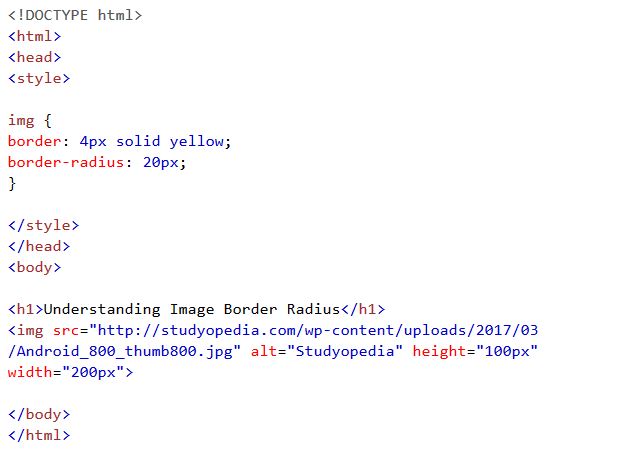
Here’s the output showing rounded corner of an image,