

13 Jul Microsoft Word Tutorial
Microsoft Word is a word processor, released in 1983 by Microsoft. Word has documents. You can easily add text in a Word document. It also has the option to choose templates. It supports bullet lists and numbered lists. In this tutorial, we will learn step-by-step how to walk through Microsoft Word and learn to work on it.
Microsoft Word is a part of Microsoft Office. Since 2013, the Microsoft Office suite has been sold as Microsoft 365. It also includes Word, Excel, PowerPoint, Outlook, OneDrive, SharePoint, Exchange, etc.
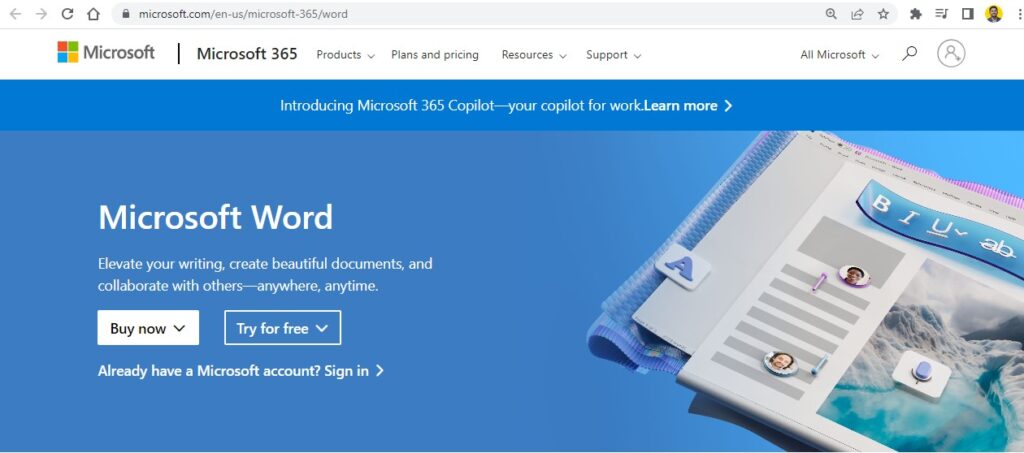
Buy Microsoft Word from the official website:
Compare different Microsoft Office versions for home and business.
Get Certified 517 Students |Audio: English
Learn via a video course
FAQs
Q1: What is Microsoft Word and what is it used for?
Ans: Microsoft Word is a widely used word processing application developed by Microsoft. Included in the Microsoft 365 and Office suites, it allows users to create, edit, format, share, and print text documents such as resumes, reports, letters, essays, and eBooks with professional layouts, graphics, and typography options.
Q2: What are the key features of Microsoft Word?
Ans: Key features of Microsoft Word include:
- Rich Text Formatting: Styles, fonts, colors, line spacing, and paragraph alignment.
- Templates & Layouts: Pre-designed templates for resumes, cover letters, and business documents.
- Collaboration Tools: Real-time co-authoring, Track Changes, and commenting capabilities.
- Smart Content Insertion: Tables, charts, shapes, images, headers, footers, and page numbers.
- Proofing Tools: Built-in spell check, grammar check, thesaurus, and editor features.
Q3: What is the difference between Microsoft Word Desktop and Word for the Web?
Ans: Microsoft Word Desktop is a full-featured desktop application installed on Windows or Mac that offers complete offline capabilities, advanced layout controls, mail merge, macros, and complex referencing tools. Word for the Web is a free, browser-based version that offers core editing features and real-time cloud collaboration via OneDrive without requiring installation.
Q4: How do Track Changes and Comments work in Microsoft Word?
Ans: Track Changes and Comments facilitate document editing and review:
- Track Changes: Enabled under the Review tab, it highlights all insertions, deletions, formatting modifications, and moves made to a document, allowing authors to accept or reject each edit.
- Comments: Allows reviewers to attach notes or questions to specific lines of text without altering the document body.
Q5: What core features and editing skills are covered in Studyopedia’s Microsoft Word tutorial?
Ans: Studyopedia’s Microsoft Word tutorial covers document creation, page setup and margins, text formatting, working with tables and images, using headers/footers, applying paragraph styles, creating a table of contents, using Track Changes, mail merge basics, and exporting files to PDF format.

No Comments